 Dave Taylor - Software Engineer
Installing Blackberry Simulators
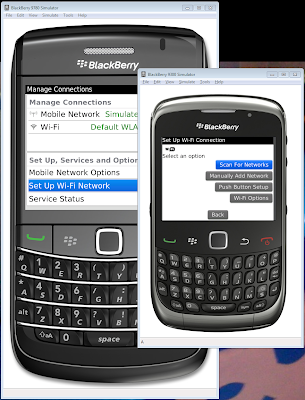
Installing Blackberry Simulators is a bit of a nightmare. Here are some findings to make the process a little smoother.
Install Java JDK IMPORTANT
- IMPORTANT: Use the Sun JDK, not any other distribution.
- IMPORTANT: Install JDK 1.6 or higher,
- IMPORTANT: Install the 32-bit version even if you are running a 64bit Machine.
Set up JAVA environment
-
Create a JAVA_HOME environment variable.
- Open System Properties -> Advanced -> Environment Variables
- Create a new system variable
- Variable name:
JAVA_HOME - Example value:
C:\Program Files (x86)\Java\jdk1.6.0_21 - Add
%JAVA_HOME%\bindirectory to the PATH system variable
-
Add Java bin to PATH