Last year saw a new Terminator movie where we saw John Connor send Kyle Reese back to 1984 to protect his mother. Play Nicely, an interactive marketing agency based in Bristol went on a worldwide tour with a Kinect and a booth giving passers by the ability to turn into a “personalised liquid metal T-1000”. They followed this tour and the release of the movie with a browser based experience which allowed anyone to take a selfie and see a personalised video of them turning into a T-800.
I’ve recently been working with a luxury car brand on some HTML5 goodness and it’s reminded me to write about a very useful technique used a lot in game programming but often forgotten about when building creative websites and apps.
When you have a number of large images which need to be rapidly switched between or drawn you will very quickly see memory usage going through the roof. We were seeing around 900MiB of memory being eaten up in a second. The first optimisation is to make sure the images are of an appropriate size. In our case the images within the content were being displayed at 394px wide but were originally 1536px wide.
I begun this week with a challenge. I’ve got a bit of time between contracts and have been wanting to get my teeth into React Native so I gave myself the task to build and release an app to the AppStore in 5 days.
I live in a beautiful town just outside Bath called Bradford on Avon. One of the things I love most about living here is that it holds so many secret vantage points and views across the town and surrounding country-side. I will often wander out and take a different route in to work in the morning and stumble upon something new.
ES6 or ES2015 … has been changing the way we write JavaScript as it slowly becomes more and more popular and easier to integrate in to our existing workflows. It has brought some much needed improvements to enable us to write better code and make use of long-standing conventions.
We’ve made strides in the past to encourage the naming of functions in our code so that should they appear in the stack trace of an error you are given help to understand it. I was therefor worried when I started seeing this convention used a lot:
I first got started building with React over a year ago when I was on the labs team at Sainsbury’s. I have to admit when React first came to my attention I dismissed it as another fad because I thought JSX was the point. Whilst I saw some benefits I couldn’t see a game changer in that alone. However a few months after, whilst reading more I realised that the actual game changer with React was the virtual DOM and the immutable approach.
I have been doing a lot of refactoring recently on some common libraries used across multiple projects. One of the big things I’ve been finding is that these libraries should not create or initialise state. A good example of this is common configuration.
At first it seemed fine to create singleton objects within the library but as the library was used across more varied projects it become clear that these singleton objects needed to be extended to fit the needs of the application.
We use CoffeeScript extensively in the GigStamp codebase at the moment. Initially we used watchers to compile the coffee-script in to JavaScript and then the app would run on the compiled code. But as the code has grown in to several node modules it became awkward to be watching and compiling the various separate parts so we started running it directly.
This however has brought up a few complexities as we are running transpiled code. Debugging the code has been one of those complexities.
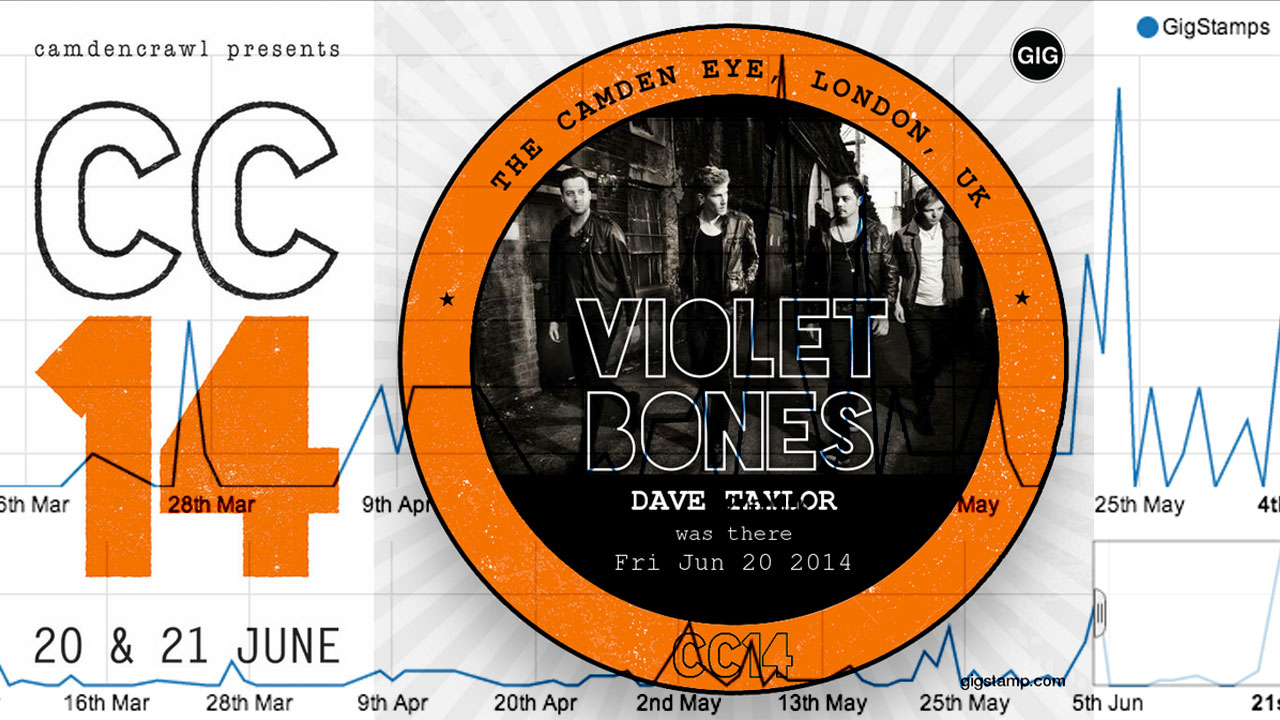
We have just got back from an amazing weekend at Camden Crawl, an amazing urban festival with lots of great up-and-coming new artists gigging in pubs and clubs around Camden, London. Urban festivals are where I think GigStamp really shines, we created some bespoke artwork for festival’s gigs which came with a great ticket-like share post to user’s twitter and facebook streams.
With awareness and activity starting to build inside the app I’ve started the process of building stats and charts in to GigStamp. I’m excited as we start to imagine what the user, artist and venue pages might have on them and also what tools we can give people to be able to promote themselves and see how well they are doing.
I’ve been using Promises and Deferreds pretty extensively for a while now and I thought I would put down some of my thoughts on when they work better than events and when they don’t.
Promises are good for a seemingly sequential set of tasks
If the task I am coding has an obvious beginning and end with a set of tasks to complete along the way then the code looks so much cleaner with promises.
If you are building a lot of html templates using Handlebars then here is a walk through of slimming them down using Require.js, require handlebars plugin and Handlebars helper system.
A really good use case for this is building forms. Say you wanted to keep a common className and structure across all your app. You might start with a simple form like this one:
 Dave Taylor - Software Engineer