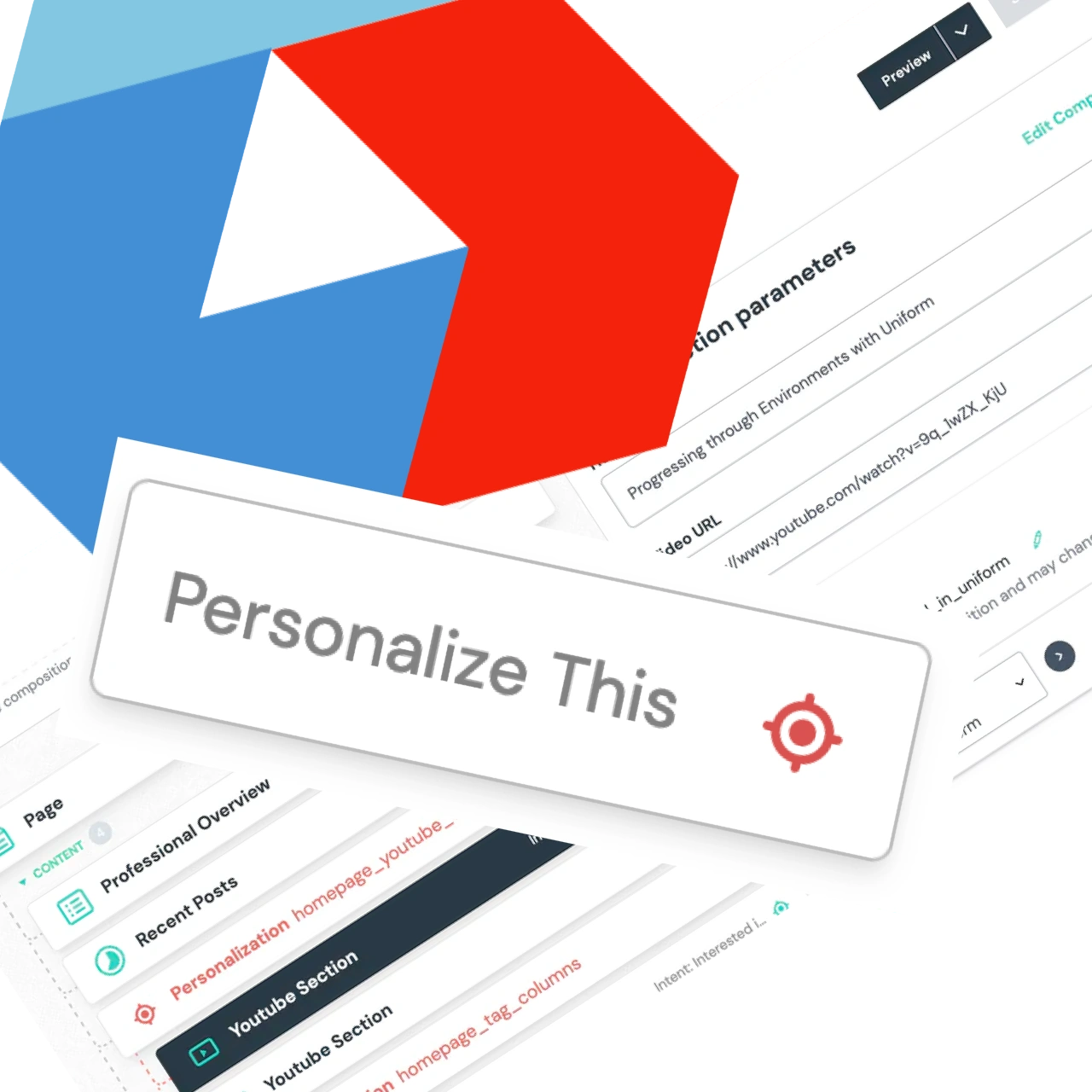
One of the promises of building with Uniform is that: providing personalised experiences is a simple, and natural part of working with website content. I have found this to be true, although like many things it is not always the case. It depends on what kind of personalisation I thought would be valuable
Let’s look at where I started. My solution needed a small amount of initial development effort but that effort can be repurposed for a number of future possibilities.
This site was born in 2009, that’s over ten years now. All this time the content has sat inside the GitHub repository. It started as Markdown files and more recently has moved to JSON files. I have always liked that there are no external dependencies on the content but have found the management of it gets in the way of writing and creating.
Static content archive
Over the years I have investigated other options for storing the content but I have wanted to keep writing in Markdown which has not been widely available. Recently whilst researching integrations for Uniform I stumbled on GraphCMS, now called Hygraph. I really like the Hygraph interface, it is clean and I can focus on the content while I am writing. It also allows simple markdown as well as “Components” which are modular blocks of content. This combination works really well for long-form blog posts and I can use Uniform Canvas for the other areas of the website.
When deploying anything other than a simple POC or personal website, a reliable application will need Environments. What is the right pattern for implementing environments for local developers as well as shared ones like staging and production?
Let’s look at how Uniform separates your configuration and content. Then look at how we can migrate both to new higher environments as a feature progresses through it’s software development workflow.
Uniform Project
Within Uniform the “Project” is the recommended way to separate configuration and content between environments. The screenshot below shows three projects used for my demo website.
I have found it super easy to add Uniform Canvas to a bare-bones NextJs app. I thought I would show you what it takes to go from Zero to Hero with a very basic setup. This will then give a good foundation to add more things on top.
Create Next App
I’ll start with the familiar, I’ll use yarn create next-app --ts to generate a bare-bones NextJs application with TypeScript.
1
2
3
4
5
6
7
8
yarn create next-app --ts
...
✨  Done in 13.16s.

Initialized a git repository.

Success! Created zero-to-hero at /Users/davetayls/projects/test-projects/zero-to-hero
Inside that directory, you can run several commands:
Add some Uniform Packages
There are two packages I need to get started with a React application:
Uniform have just launched its new platform and a big part of that is Canvas. Canvas is a way to orchestrate the modern stack of micro-services and SaaS into a website or multiple websites.
It gives the software developer power to control the tech stack while at the same time giving a marketer or content designer the power to control what is eventually presented to the user.
EVERYONE has power 💪 what can go wrong 😁 I’ve been taking a look.
Deploying JAMstack within an enterprise company comes with many
complications due to it’s scale. There is not only the large
number of pages to contend with, there are often restrictions
imposed on how we can deliver the solution.
This was the case at
Nationwide Building Society
where we delivered a new platform and a new JAMstack website. It
was great to be able to talk about our experience at
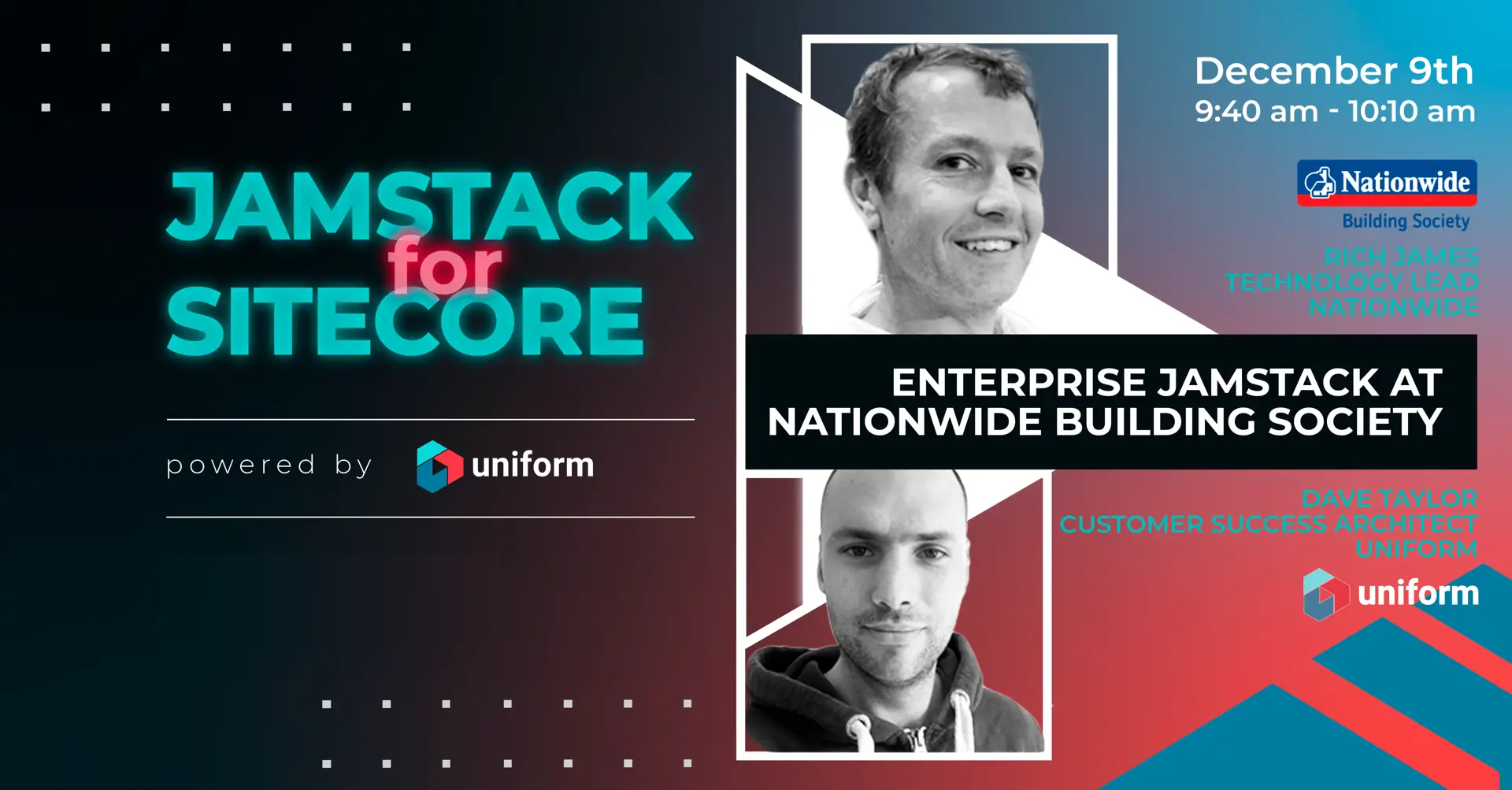
Uniform’s JAMstack for Sitecore virtual
conference. Rich James and I went
through our experience on Nationwide’s journey to Enterprise
JAMstack.
 Dave Taylor - Software Engineer